
From Delivered to Live: What Happens to Your Product Images Before They Go Online
Most brands treat image delivery as the finish line. The shoot’s done, the retouching’s approved, the final files land in your inbox — job done, right?
Not quite. After 10+ years delivering product and fashion content to Australian retail brands, we’ve learned that the moment images are delivered is where a second, quieter job begins — one that’s far more error-prone than most brands expect. The work between “images delivered” and “products live on site” eats hours, causes launch delays, and gets perfectly good photography bounced back by marketplaces.
Here’s what actually happens in that gap — and why it’s worth understanding before your next shoot.
”Delivered” Is Not “Live”
When you receive final images, they’re production-ready — but they’re almost never platform-ready. Between your inbox and a live product listing sits a whole layer of operational work:
- Renaming every file to match each platform’s naming convention (often tied to SKU or barcode)
- Resizing and re-cropping to each platform’s required dimensions and aspect ratio
- Checking background colour, file format, and file size against spec
- Organising images by product and angle so the right shots land in the right order
None of this is photography. It’s file and data admin — and it usually lands on an eCommerce coordinator or marketing assistant who’s already working to a launch deadline.
Every Platform Wants Something Different
There’s no universal standard. Your own Shopify store, THE ICONIC, David Jones, MYER, Amazon — each has its own image requirements, and they rarely line up. The variables that differ include:
- Dimensions and aspect ratio — one platform wants square, another a tall 3:4 or 4:5, another a fixed pixel size
- Background — pure white (often a specific value, with no shadow) for some, lifestyle allowed for others
- File naming — strict conventions, frequently SKU- or barcode-based, sometimes with angle suffixes (
_1,_front,_back) - File size and format — minimum and maximum file sizes, JPEG vs PNG, colour profile
- Angle and shot counts — a required minimum (and maximum) number of images per product, in a set order
A set of images that’s perfect for your website can be rejected wholesale by a marketplace simply because the naming or dimensions don’t match — even though the photography itself is flawless.
Why Images Get Rejected
When a marketplace bounces a batch, it’s rarely about image quality. The usual culprits:
- Wrong dimensions or aspect ratio — the single most common rejection
- Inconsistent background — slightly different whites across a range, or a shadow where the spec wants pure white
- Incorrect file naming — a convention that doesn’t match the required SKU or barcode format
- Missing angles — fewer images than the required shot count, or angles in the wrong order
- File size out of range — too large to upload, or too compressed to pass quality checks
Each rejection means going back, fixing the files, and re-uploading — often days after the shoot, when the photographer has moved on and the coordinator is left to sort it out alone.
Multi-Channel Makes It Worse
This is manageable when you sell in one place. It compounds fast when you don’t.
A brand selling on its own site plus three marketplaces needs the same product images prepared four different ways — four naming conventions, four sets of dimensions, four background rules, four shot-count requirements. The same 40-product shoot can turn into 160+ image variants, each needing to be named, sized, and checked correctly.
As brands expand across THE ICONIC, David Jones, MYER and their own storefront, the post-delivery workload scales with every channel you add — and so does the chance of something getting rejected.
The Real Cost Is Hours
None of this is hard. It’s just slow, repetitive, and easy to get wrong — and it’s almost always done by hand:
- Renaming files one by one to match each platform
- Resizing and re-exporting for different dimension requirements
- Eyeballing backgrounds for consistency across a full range
- Re-uploading rejected batches and waiting for re-approval
For a brand launching ranges regularly, that’s hours of skilled team time every drop — spent on file admin instead of merchandising, marketing, or selling. It’s invisible work, which is exactly why it gets underestimated when planning a shoot. The smartest brands account for it up front, build the platform specs into the brief, and lock down naming conventions before a single shot is taken.
Closing the Gap
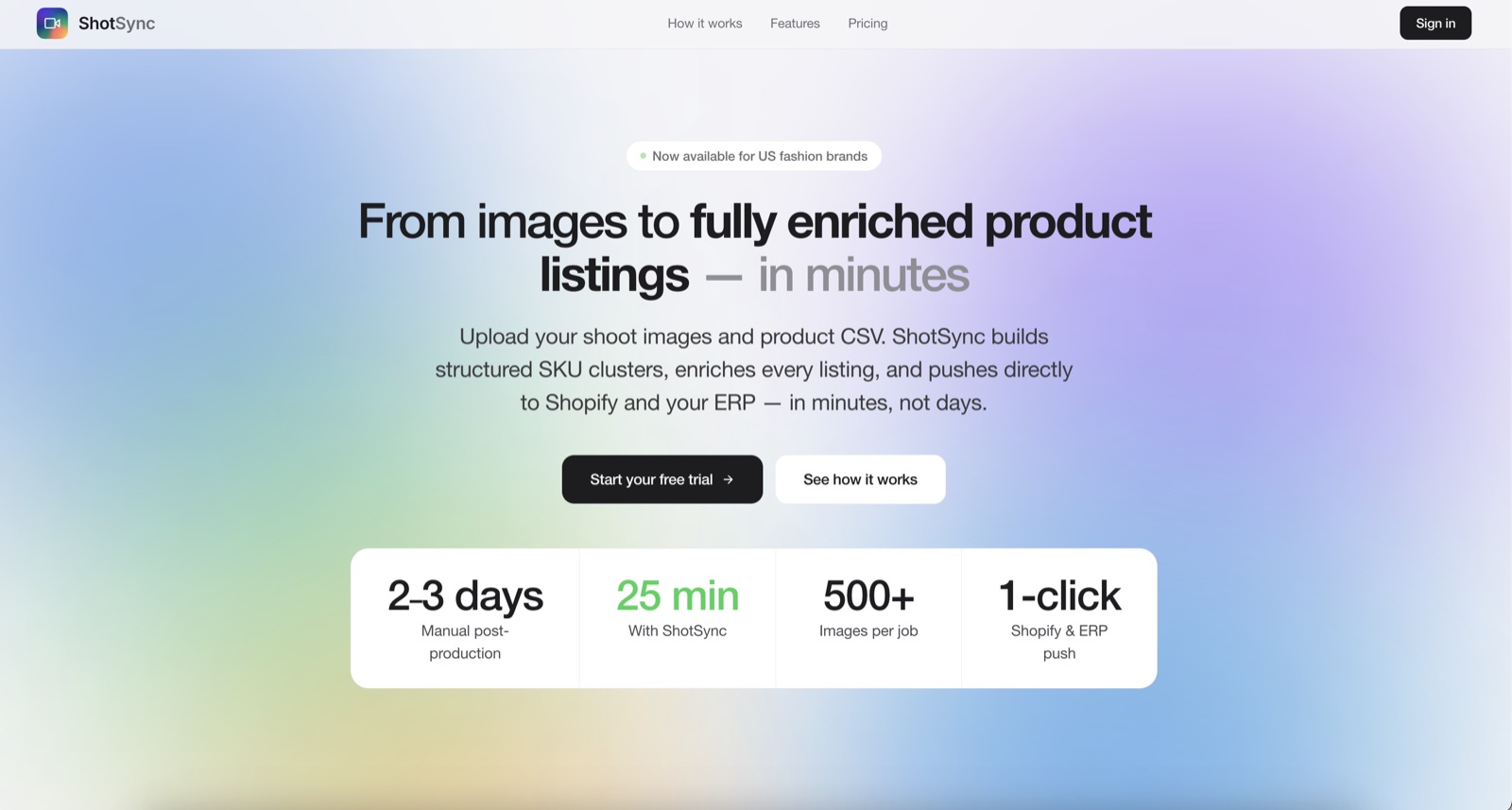
Understanding this gap is the first step. Removing it is the next — and it’s exactly the problem we built ShotSync.ai to solve. Upload your shoot images and product data, and it builds structured SKU clusters, enriches every listing, and pushes them straight to Shopify and your ERP — turning two or three days of manual post-production into about 25 minutes. The operational layer between delivery and live, handled automatically, so your team gets the hours back.